Managed Networks & Wi-Fi
Business-grade wired and wireless networks, designed, installed and monitored, with your cameras, payment systems, staff and guests each kept on their own secure network.
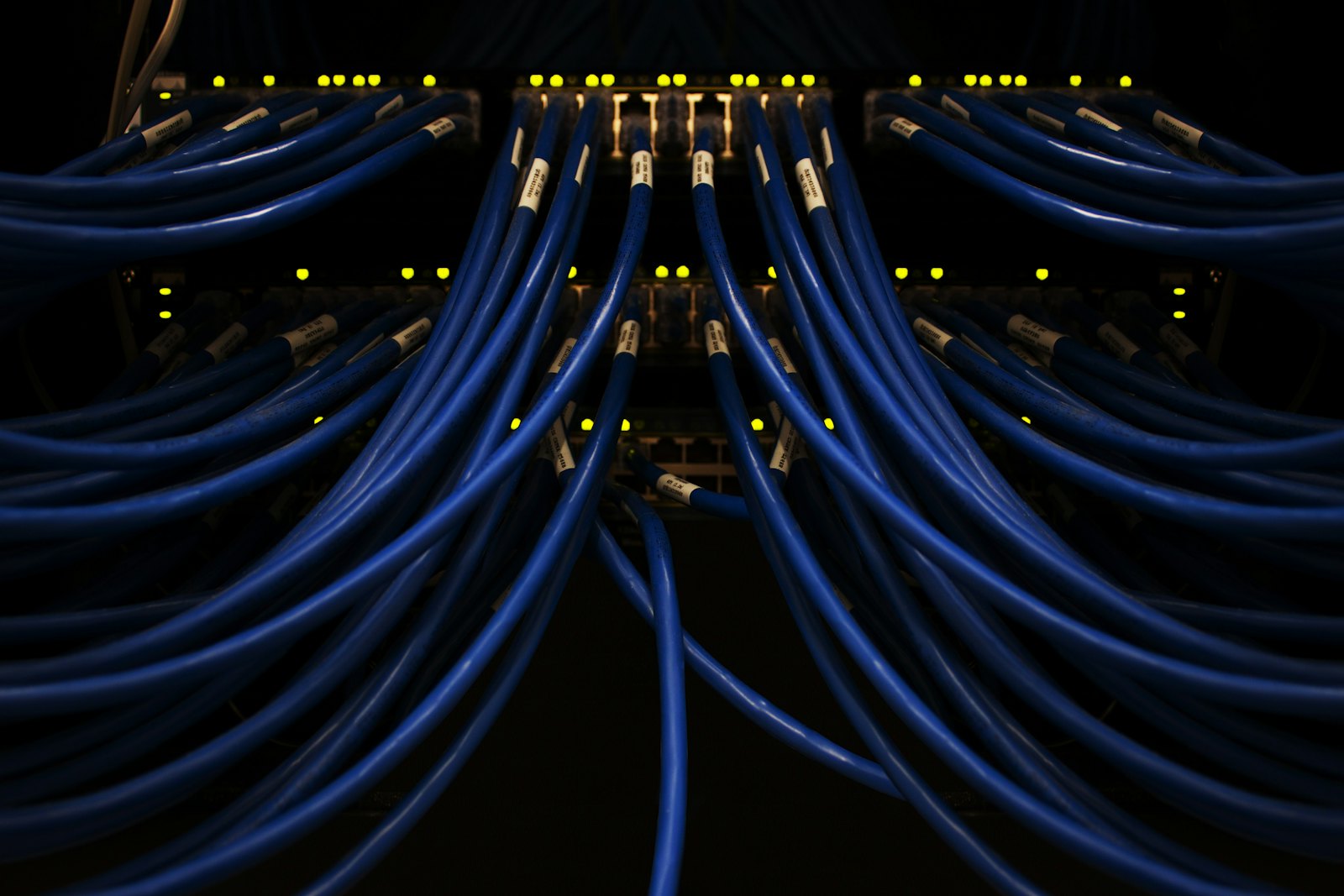
Your network sits underneath everything else: phones, payment terminals, cameras, cloud apps and the Wi-Fi your staff and customers use all day. When it's built from consumer equipment and added to over the years, it becomes the source of problems nobody can quite pin down.
A managed network isn't only for large companies. Even a small shop has a till, a card terminal, a few cameras, a printer, some phones and a handful of staff and customer devices. In most small businesses all of that sits on one network, run by the router the internet provider supplied, and every device on it can see every other device.
Cameras are a good example of why that matters. Cameras and recorders are rarely updated and are often still using the password they shipped with. On a shared network, anyone who gets onto your Wi-Fi can reach the camera feeds, and a camera that has been broken into becomes a way in to everything else. On their own network, the cameras can talk to the recorder and nothing more.
The same goes for your point-of-sale system. Tills and payment terminals handle your customers' card details and your day's takings, so they shouldn't share a network with an office computer that opened the wrong email attachment or a visitor's laptop. Keeping them separate protects them, and it means a busy guest network or a large download in the back office can't slow down a sale.
We design the network around how your business actually works, wired and wireless together, install it cleanly, and manage it afterwards. There's always someone keeping it updated, someone watching for trouble, and someone to call.
How it compares
A managed network or the router your provider gave you.
The all-in-one router from your internet provider is a reasonable place to start. Here is what you gain by moving to a managed network, and what it costs you.
Managed network
Pros
One Wi-Fi network across your whole location. The same network name and password everywhere, across a single floor or a whole campus, and devices move between access points on their own. No cheap repeaters, and no switching networks as you walk around.
Full coverage without the mesh downside. Repeaters and mesh kits pass traffic along over the air, and every hop costs speed. Our access points are each wired back to the network, so the far end of the building is as fast as the room with the router.
Faster Wi-Fi overall. Commercial access points placed for your layout handle more devices at once and hold their speed when the room fills up.
The devices that matter come first. Phones, payment terminals and other critical systems are prioritized, so a large download or a busy guest network can't get in their way.
Critical devices are wired. Tills, card terminals, cameras, desk phones and printers get a cable where possible, for a connection that doesn't depend on Wi-Fi.
Connection monitoring. We watch your internet connection and your equipment, so we know when something drops and can start on it before you call.
Optional backup internet. Mission-critical systems can fail over to a second connection from a different provider. That is more dependable than a provider's own backup option, because a provider's wireline and cellular services often share infrastructure and can fail at the same time.
Separate, secure networks. Cameras, POS, staff and guests are each kept on their own network, as described above.
Cons
It costs more. There is equipment to install and a monthly cost to manage it, where the provider's router is included with your plan.
Installation takes some planning. Running cable to access points and critical devices means a site visit and some scheduled work.
More than a very small space needs. A one-room business with a handful of devices and no cameras, POS or guest Wi-Fi may be fine with what it has.
Provider's all-in-one router
Pros
Included with your internet plan. There is nothing extra to buy, and it usually arrives with the service.
Quick to set up. Plug it in and you are online the same day.
One company to call. The provider supports both the connection and the box.
Cons
One box covering the whole space. Coverage fades with distance and walls. The usual fix is a repeater, which adds a second network to switch between and slows everything connected to it.
Everything shares one network. Cameras, tills, staff and guest devices can all see each other, with little or no way to separate them.
No way to prioritize. A payment terminal gets the same treatment as a customer streaming video in the waiting area.
Critical devices end up on Wi-Fi. With only a few ports on the back, tills, phones and cameras tend to be connected wirelessly, and drop out when the Wi-Fi does.
Nobody is watching it. You find out the internet is down when a sale won't go through, and troubleshooting starts with you on hold.
Backup depends on the same provider. If the provider offers a backup at all, it often relies on the same infrastructure as your main connection.
What's included
Managed Networks & Wi-Fi, handled properly.
Network design and cabling
Firewalls, switches and structured cabling sized for your space and headcount, with room to grow.
Wi-Fi planned for your space
Commercial access points placed for your layout and usage, so there are no dead zones in the back office or the far corner of the patio.
Cameras on their own network
Cameras and recorders are separated from everything else, so the footage can't be reached from staff or guest devices and a weak camera can't be used to get at the rest of your business.
POS and payment systems protected
Tills and card terminals get a network of their own, out of reach of office computers, guest devices and anything else that doesn't need to talk to them.
Everything in its own lane
Phones, printers, speakers and smart devices are grouped and separated too, so a problem with one kind of device can't spread to the others.
Secure staff and guest Wi-Fi
Staff get Wi-Fi with modern encryption, and access can be removed for one person without changing the password for everyone. Guests get a separate network with no path to your business devices.
Monitoring and updates
We keep firmware current, watch performance and look out for failing equipment, often resolving issues before your staff notice them.
Multi-site and remote access
Secure connections between locations and for staff working from home, without exposing your network to the internet.
Related services
Often paired with.

Managed Guest Wi-Fi
Wi-Fi your customers and visitors can use freely, kept completely separate from your staff devices, payment terminals, cameras and speakers.
Learn more
VoIP Phone Systems
A cloud phone system and SIP trunking built for small business: ring groups, call queues, a digital receptionist and voicemail to email, usually for less than you're paying now.
Learn more
Business Email
Professional email on your own domain, run on Microsoft 365, set up correctly, protected against spam and phishing, and supported when someone gets locked out.
Learn more
Let's talk about Managed Networks & Wi-Fi.
Tell us about your space and what you need. We'll come back with a clear recommendation and quote.